View Cube
View Cube
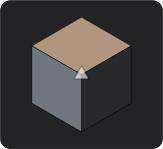
The 3D View Cube in Plasticity serves as a visual and interactive reference for orientation in the 3D workspace. It provides users with a quick way to understand and manipulate the viewing direction of their model.
Features
-
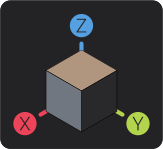
Axis Indicators: The cube displays three labeled axes:
 X-axis /
 Y-axis /
 Z-axis
View Manipulation: Clicking on different faces and edges of the cube changes the camera view to predefined orientations.
Interaction
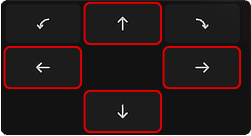
- Click on an Axis arrow: Aligns the camera to view in that axis direction.
- X-axis: Aligns the camera in Right view.
- Y-axis: Aligns the camera in Back view.
- Z-Axis: Aligns the camera in Top view.
- Click on a Face: Aligns the camera to that face. Double-clicking flips the view.
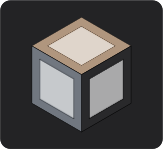
- Click on an Edge: Click on the cube's edges to view the model from an isometric perspective.

- Click on a Corner: Click on the cube's corners to view the model from an isometric perspective.
- Right-Click on the View Cube: Opens a context menu with viewport view and camera rotation/roll commands. Shortcuts are listed for the view commands only.
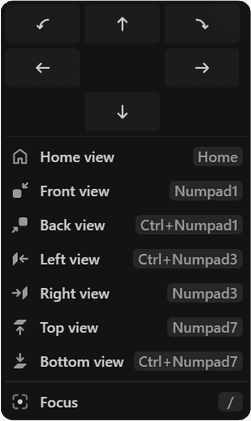
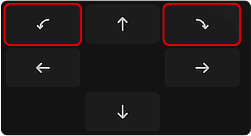
- Camera Roll: Roll the camera view 90 degrees around the current viewing angle.
- Camera Rotation: Rotate the camera 90 degrees around the current viewing angle.