Curvature
The Curvature menu is located in the right side panel and provides direct control over the curvature and continuity comb display for the Toggle Curvature and Measure Continuity commands.
Adjusting Curvature Comb
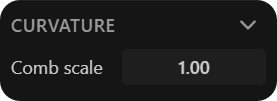
To adjust the curvature comb, click and drag left or right, or manually enter a value in the Comb scale field (default: 0.1).
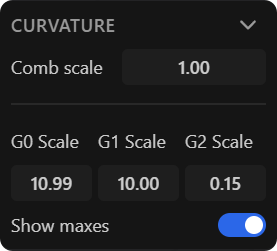
Adjusting Continuity Comb
For continuity analysis, the G0, G1, and G2 controls are located below the Comb scale field. The Show maxes option, available in Measure Continuity, enables the display of numerical deviation values and continuity indicators along the curve and edge.
